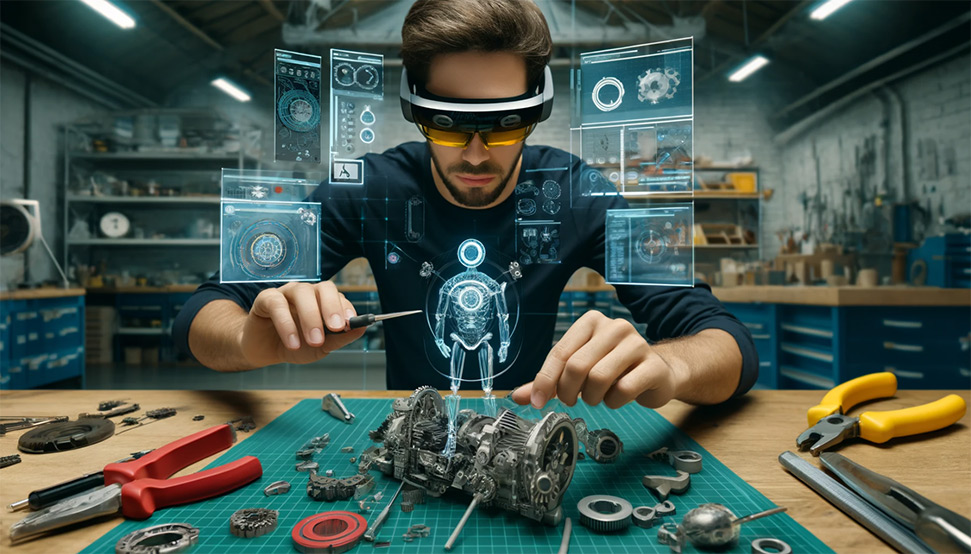
XR technology is advancing rapidly, opening doors to new mixed reality use cases every week.
To give you a taste of what’s new and how it could be applied, Soulmade has developed a Proof of Concept (PoC).
The purpose of this PoC is to demonstrate a few of the latest developments in XR and their possibilities. It is by no means a finished or polished product.
This video demonstrates 3 new features which we think can be game-changing for business use cases.
We believe the real value of immersive experiences lies in enhancing the real world with digital elements, a.k.a. Mixed Reality (MR). This offers several major benefits.
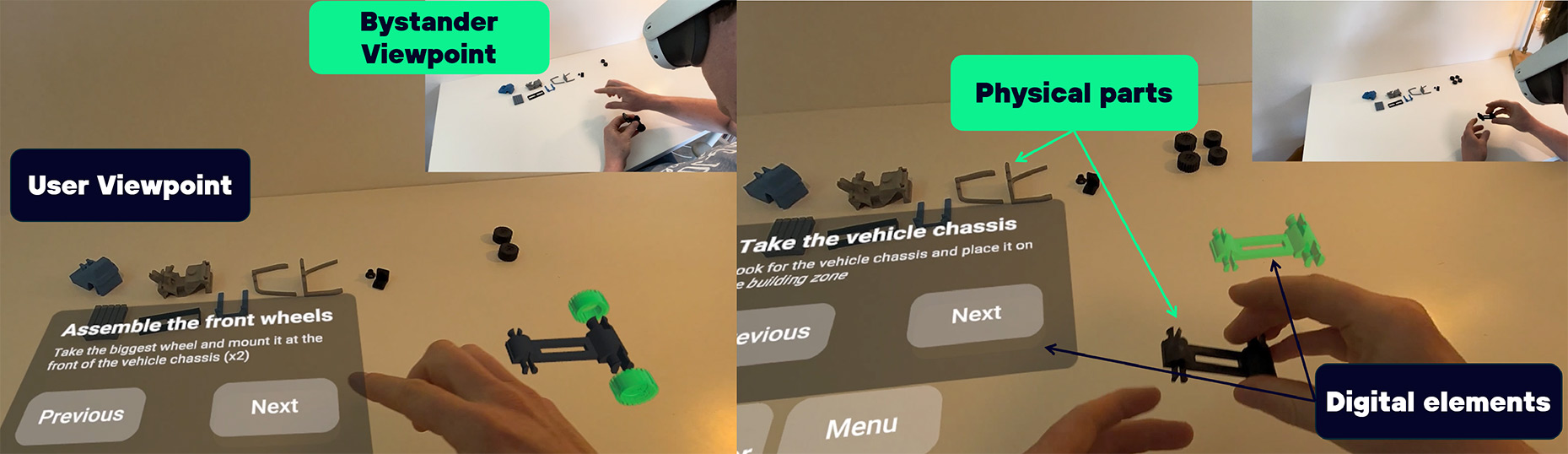
XR applications need to be intuitive to be successful. People without experience need to be able to use these applications without guidance or tutorials. Eliminating the need for controllers is a huge step forward to achieve this. Users can press buttons and control the app with their hands and fingers just as if they were physical buttons.
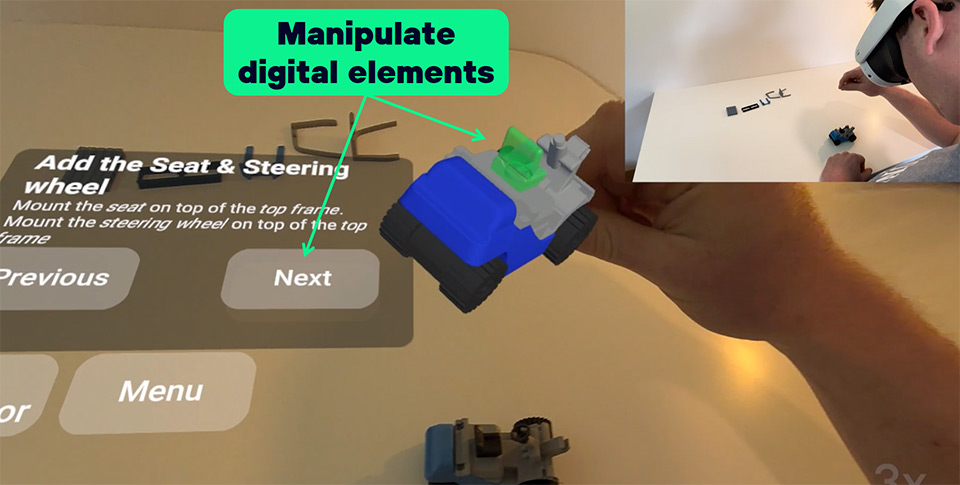
The Scene Model understands the space around you, knows where surfaces and objects around you are and it’s dimensions. This physical information can then be used in the application to augment with a digital layer. For example, in our PoC you can sit down at any table, floor, bench, … and it will be recognized as a possible workspace for your training. No need to manually draw surfaces or sit at the same spot every time to use the application.

The demonstrated novelties enable a lot of new and more intuitive experiences, maximizing user adoption and satisfaction. It further drives down the cost of your setup as you need less space and hardware.
Digital guidance can now be mixed and overlayed with physical interactions, opening doors to better experiences where you can feel and manipulate physical as well as digital objects during your training.
The mobility for this kind of application is fantastic. Take your VR goggles anywhere and start training! No need for expensive VR training arenas, specialized setups with projectors or other equipment. You can move freely, no strings attached (literally!) and without risk of bumping into a wall thanks to the passthrough feature.
While we are showcasing a training guide for a simple assembly task, there are a ton of other mixed reality use cases to be found. Just to give you two more:
To get the most out of what XR developments have on offer, we guide you in your process. We assist you with a feasibility study and budget estimation. We will then help you calculate the ROI of the investment so you can make the best decision for your business.
If you want to experiment with these concepts for yourself our would like to reproduce our results. This is what we used to create this poc:
Curious about what it takes to implement these concepts? Have a look at our pricing guide where we share the price of 8 finished projects!
Other questions? Don’t hesitate to contact us!
That’s usually the best moment to talk.
We help organizations explore how XR, AI and immersive tech can solve real problems.
Explore real-world XR & AI cases
multiple real projects
Transparent price breakdown

.svg)